
Revenue Operations Consulting: Automate the Work, Keep the Judgment
Our approach to revenue operations consulting: automate what a machine does well, keep people on the judgment calls, and build around how you read your data.
Fractional Demand Team
Revenue operations consulting is outside help with the system that turns marketing and sales activity into revenue: your CRM, your data, your lead routing, your attribution, and the automation that ties them together. The work can be advice, a one-time build, or an ongoing team inside your stack. We do the last one.
This post is how we think about RevOps right now. A lot has changed in the last two years, mostly because of AI, and it's changed what a good engagement looks like. Here's where we've landed.
What Does Revenue Operations Consulting Cover?
The scope shifts from company to company, but the work almost always lands in four places:
- Data. Accounts and contacts filled in with the fields that matter (company size, industry, what they sell, who they sell to), with duplicates merged and junk kept out.
- Attribution. Knowing which channels and campaigns create pipeline and revenue, not just leads.
- Routing and lifecycle. The right lead reaches the right rep fast, and records move through stages on rules instead of by hand.
- Reporting. Dashboards that sales and marketing both trust enough to make decisions from.
There's a fifth piece now: AI and automation running across all four. That's where a growing share of our time goes, and it's the reason the rest of this post exists.
Automate Everything a Machine Does Well
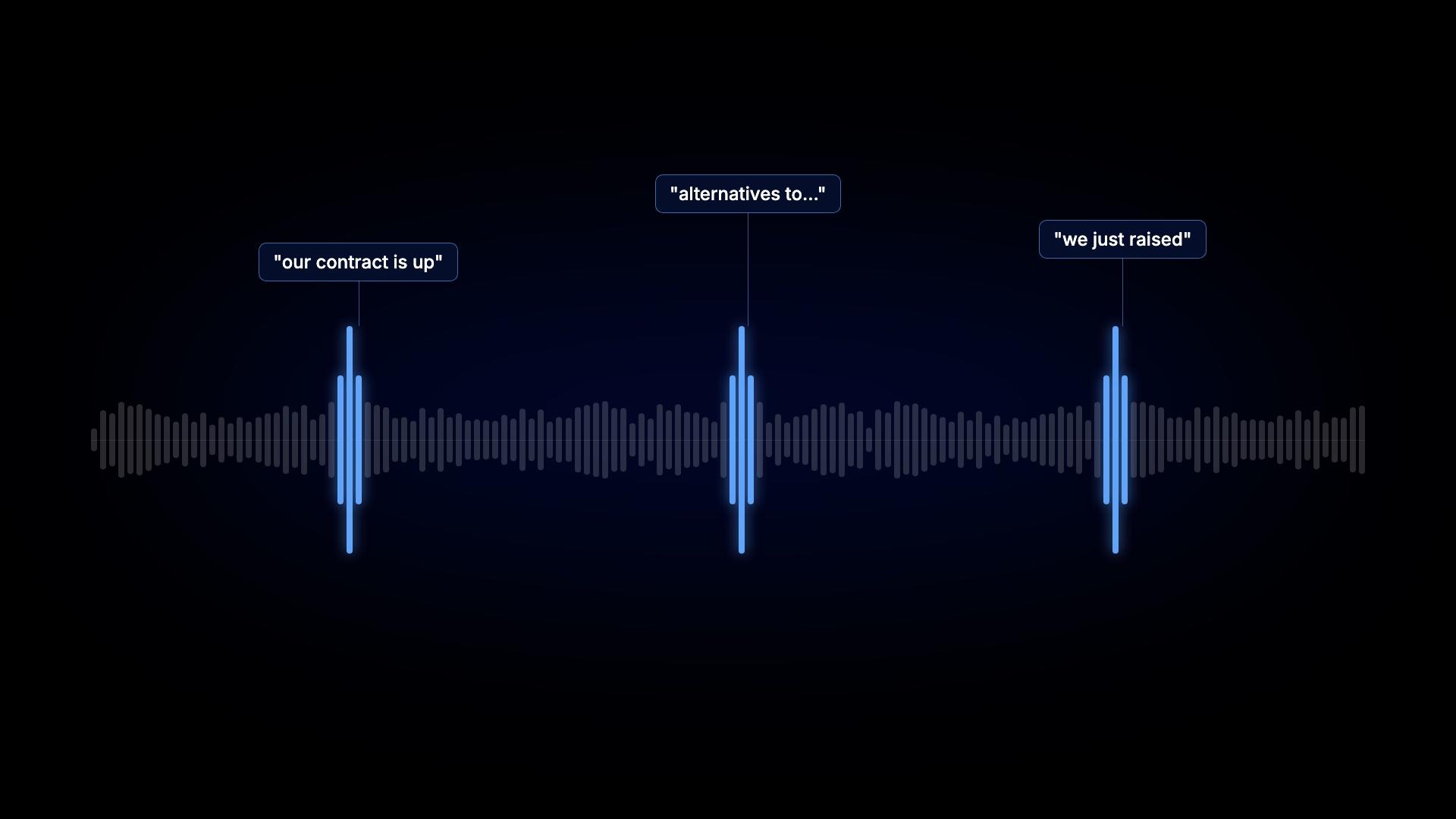
A lot of RevOps work is repetitive. Sorting job titles into the personas you sell to. Merging duplicates. Researching a new account before a rep calls it. Checking whether a target company just raised a round or posted the role you replace. A person can do all of that. It's a bad use of a person.
So we automate as much of it as we can, with Clay plus a few tools we built ourselves, connected to your CRM. A few examples of what that looks like:
- An AI step reads each account's website and answers the questions your reps would ask on a discovery call. Mid-market or enterprise? Sales-led or product-led? Hiring SDRs?
- A new demo request lands in Slack with a short brief already written: what the company does, why it fits, what it's engaged with.
- Titles like "VP Growth & Demand" get mapped to Marketing Leader automatically, so your persona reports stay clean.
- Junk form fills get flagged before they reach a rep.
- A funding round, a champion changing jobs, or a new opening for the role you sell to shows up as a Slack alert and a note on the account in HubSpot.
None of these is complicated on its own. Together they give your team back the hours they were spending on lookup and cleanup.
Keep a Person on the Judgment Calls
This is the part we're careful about. AI is good at reading, sorting and summarizing. It's bad at knowing when it's wrong.
So every automation we build has a person in the loop somewhere. The rule we work from is simple: automation can research, draft, sort and alert. A person decides.
In practice that means a few habits:
- Test before it touches the CRM. Before an AI fit score goes live, we run it against your last hundred deals and read the ones it got wrong. Then we rewrite the prompt. The first version never matches reality.
- Review anything that changes ownership or a forecast. Reassigning an account, moving a deal stage, or rolling up a number the board will see stays with a human.
- Check the outputs on a schedule. Prompts drift. Data providers change what they return. A model update can quietly change how accounts get scored. Nobody catches that unless somebody is looking at the tables every week.
The best teams treat AI in RevOps like a new hire. Useful from day one, but you check its work for a while before you let it act on its own.
Build Around How Your Team Reads the Data
This is the one we keep relearning. Every client has nuances in what data they want, how they want to see it, and how they think about it.
Two companies with the same CRM and the same funnel stages can want completely different things out of them. One CEO wants pipeline by source in a Slack message every Monday. One VP of Sales only trusts numbers that tie back to closed-won. One marketing lead cares about which target accounts are warming up and barely looks at lead volume. Some teams define an MQL by score, some by behavior, and some have stopped using the term.
A template can't hold all of that. So we don't start from one. We start by asking how you make decisions: what you look at first thing in the week, which number starts arguments in the pipeline meeting, what you wish you could see and can't. Then we build the data model, the fields and the reporting around those answers.
AI is what makes that level of tailoring practical. A custom research field or a one-off enrichment used to be a project. Now it's an afternoon. That puts a system built for your team within reach of a seed or Series A company, not just an enterprise with a RevOps department.
Where AI Fits in RevOps, and Where It Doesn't
If you're deciding what to automate first, here's how we split it.
Good fits for AI and automation:
- Account research and enrichment beyond what data providers sell
- Title and persona normalization
- Duplicate and junk detection
- Briefs for new inbound leads
- Signal alerts for funding, job changes and hiring
Where a person stays in charge:
- The ICP definition and the scoring logic built on it
- Anything that changes an owner, a deal stage or a forecast
- Attribution rules, which have to be defensible when someone asks
- What gets reported to leadership and the board
Attribution is worth calling out. There's no AI in it for us. It's plumbing: UTMs on every link, original source locked on the contact, campaign influence tracked on the deal. If you want to see the logic before you build it in a CRM, we wrote up a multi-touch attribution model you can build in Excel.
What the First Two Months Look Like
Every engagement bends to the client, but the order rarely changes, because each step depends on the one before it.
- Weeks 1–2: data. Fill blank fields with an enrichment waterfall in Clay, which checks two or three data providers in order and only pays for a match. Then add the AI research fields no provider sells.
- Weeks 3–4: attribution. Source tracking that holds up, so you know where pipeline comes from.
- Weeks 5–6: CRM housekeeping. Lifecycle stages move on rules, and the automated cleanup starts running.
- Weeks 7–8: routing, briefs and signals. Fast routing, AI briefs in Slack, and alerts on the accounts you care about.
Reporting gets built along the way, shaped by the conversations above. After that, the work is keeping it all accurate as your team, your product and your market change. For the plays we run on top of a system like this, see our GTM engineering playbook.
Questions We Hear About RevOps Consulting
What's the difference between RevOps consulting and fractional RevOps? Consulting usually means a scoped project: an assessment, recommendations, sometimes an implementation. Fractional RevOps means a team works inside your systems on an ongoing basis. We work fractionally because the system keeps changing after launch, and AI workflows in particular need someone watching them.
Do I need a clean CRM before adding AI? Mostly, yes. AI scoring on top of blank fields and broken source data gives you confident wrong answers. Get the data and attribution right first. The AI layer goes on top of that, not instead of it.
Will AI replace a RevOps hire? Not in our experience. It replaces a lot of the repetitive work a RevOps person used to do by hand. Someone still has to decide what to build, check that it's right, and fix it when it drifts.
What stage is this a fit for? Seed to Series B B2B SaaS teams that need their GTM system to work but can't justify a full-time VP of RevOps and a GTM engineer yet.
Which CRM do you work in? Mostly HubSpot. If you're on something else, it's worth a conversation.
A Ten-Minute Place to Start
Open your CRM and pull the last ten inbound demo requests. For each one, check how long it took a rep to reach out and whether the original source is filled in.
If response times are in hours or several sources are blank, start with routing and attribution, not AI. If both look solid, you're ready for the research, briefs and signals that make the system faster. For a longer version of this exercise built around closed-won deals, see our RevOps best practices.
And if this is how you want RevOps to run, that's what our fractional RevOps team does.